Sharesheet
Android share sheet allow you to share media such as text, image with other app via a simple system sheet
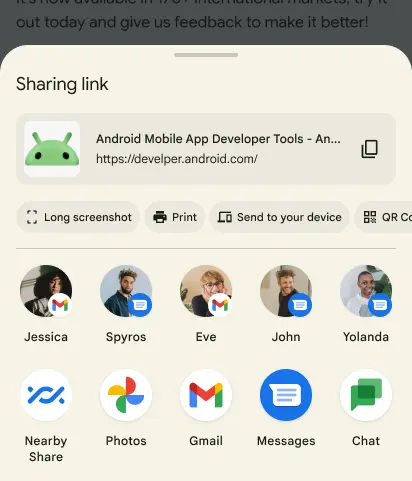
val sendIntent: Intent = Intent().apply {    action = Intent.ACTION_SEND    putExtra(Intent.EXTRA_TEXT, "This is my text to send.")    type = "text/plain"}
val shareIntent = Intent.createChooser(sendIntent, null)startActivity(shareIntent)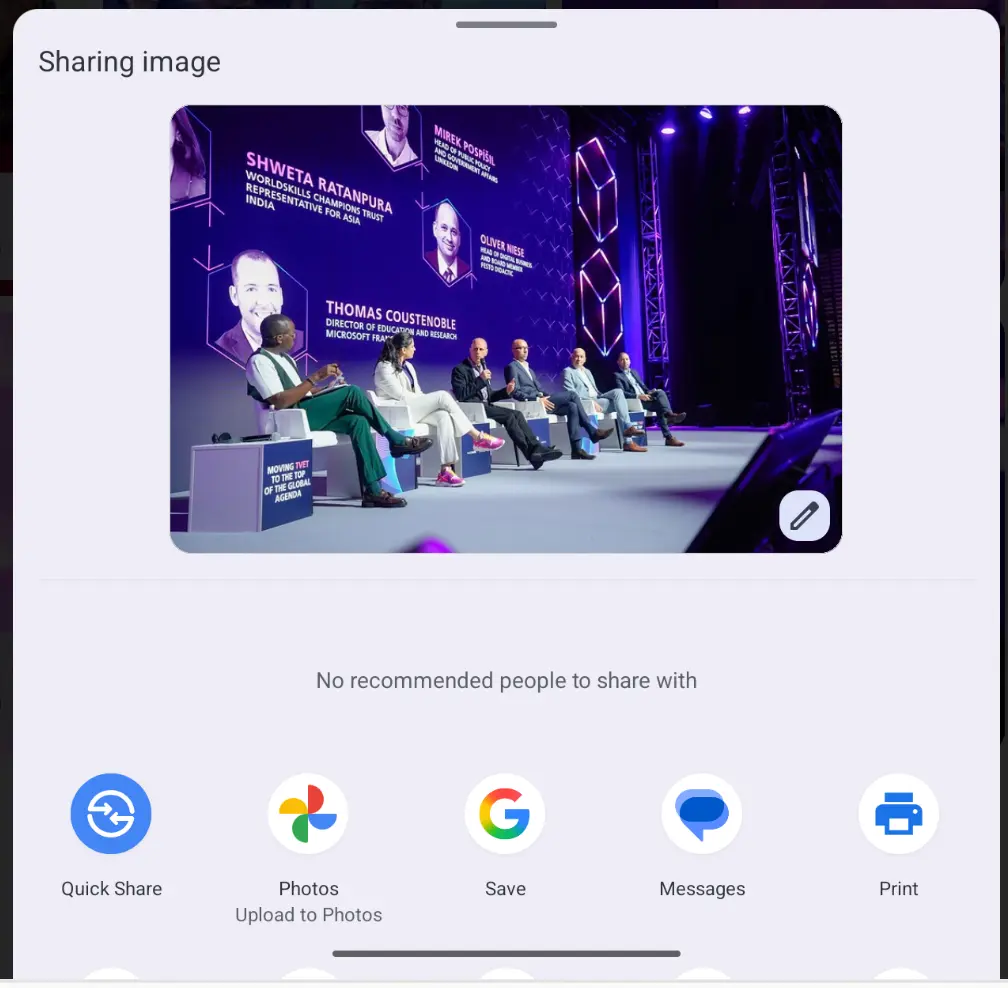 to share image with other app, we need to setup a Content Provider
val provider =    FileProvider.getUriForFile(context, "${context.packageName}.provider", targetFile)
val shareIntent = Intent(Intent.ACTION_SEND).apply {    putExtra(Intent.EXTRA_STREAM, provider) // real data being share    type = "image/jpeg"
    addFlags(Intent.FLAG_GRANT_READ_URI_PERMISSION) // allow display preview    clipData = ClipData.newRawUri(targetFile.name, provider) // for preview image}
context.startActivity(Intent.createChooser(shareIntent, null))